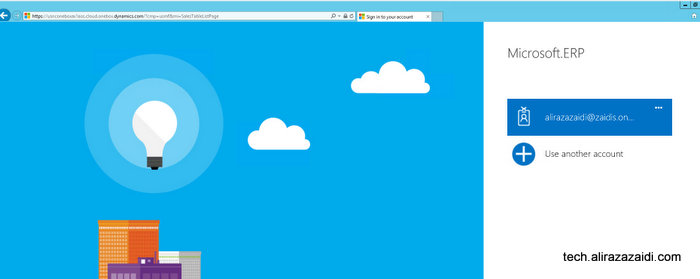
Login in to Ax

On successful login dashboard page is open in web browser.
Change legal entity from top menu to USMF

We can create sales order from either Sales and marketing and Account Receivable module
Click on top menu.

Select Account Receivable menu

Or Sales and Marketing

Click on account receivable
Click on All customers

Customer list page opens. Now click on new button to open customer form.

Enter Customer account for example I Added “MVP0007” as customer account And Name as Ali Raza Zaidi, select 80 in Customer Group.

In Address just select any Zip code for current article I Select 00210.

Click on Save button, If you want to create Sales order directly click on Save and open then click on Sales Order.